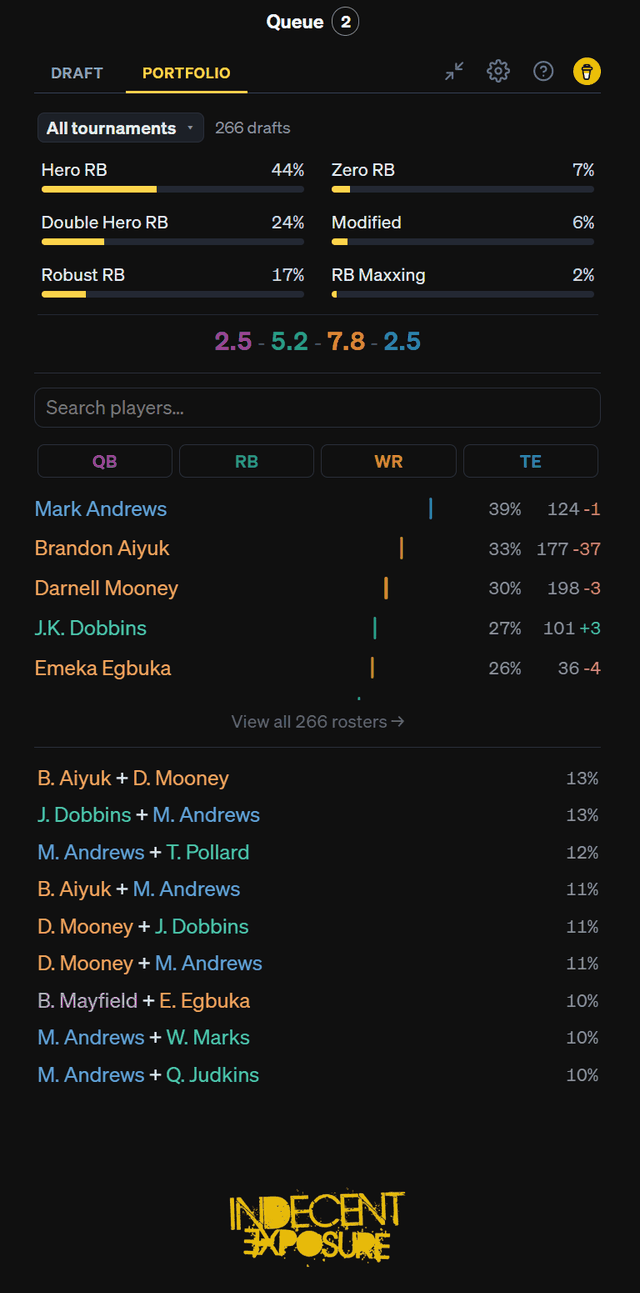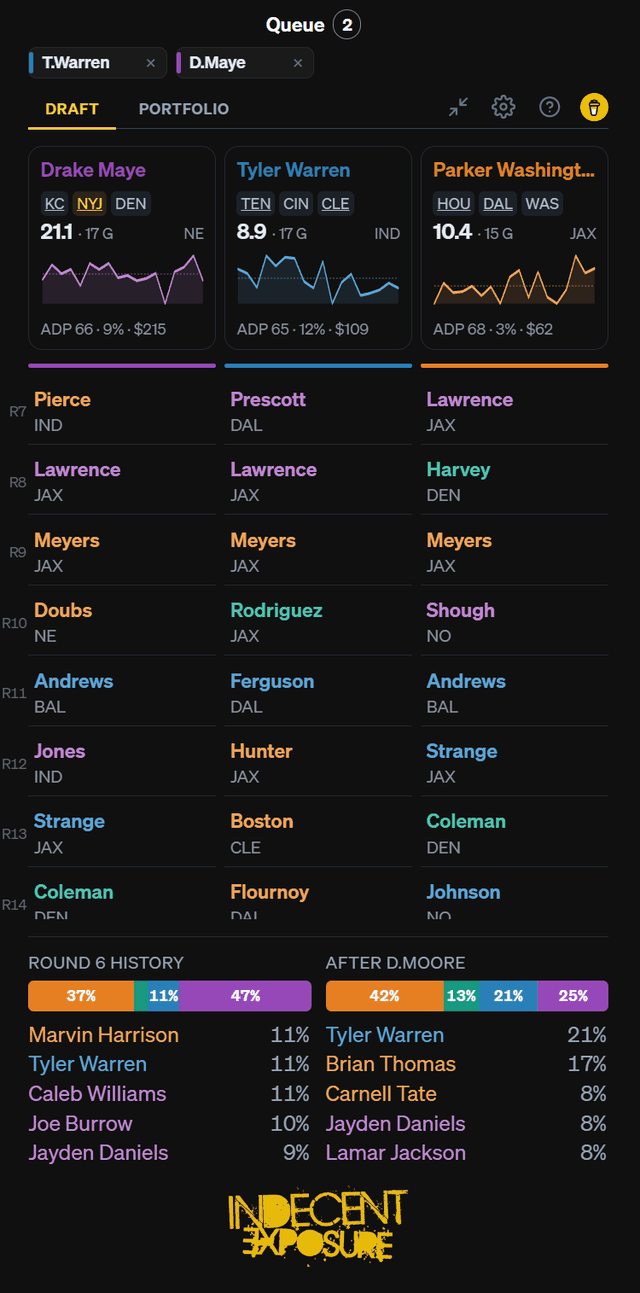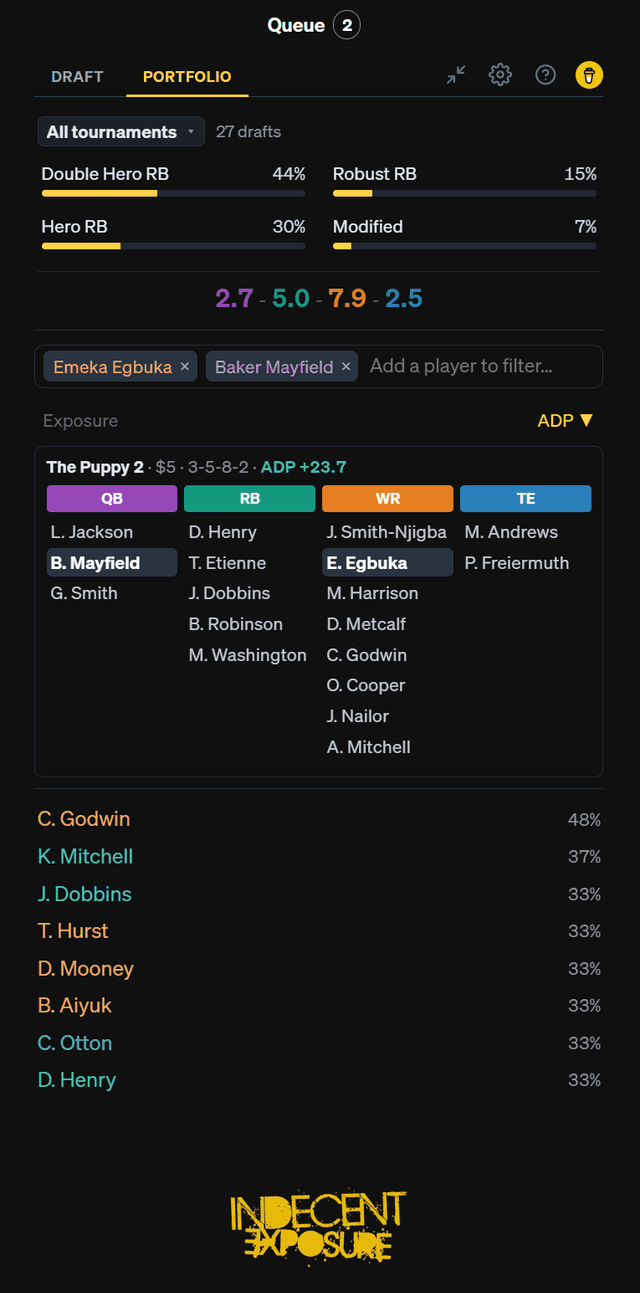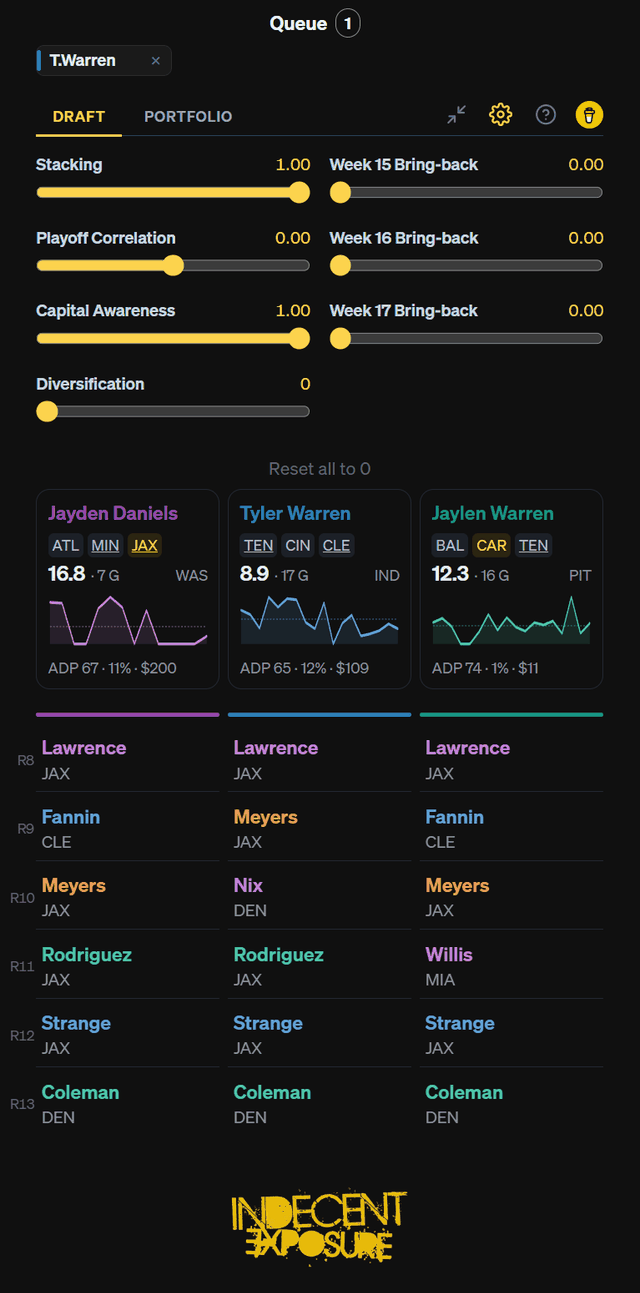
We do a bunch of math to give you recommendations so you can ignore them and draft the same guys you always do.
Download the extension
Install (about a minute)
- Unzip the download into a folder you'll keep (e.g.
Documents\IndecentExposure). - Open
chrome://extensionsin Chrome. - Turn on Developer mode (top-right toggle).
- Click Load unpacked and pick the unzipped folder.
- Open a draft on Underdog. The sidebar appears automatically.
Once installed, click the ? button in the sidebar for the full guide, starting with how to import your exposures.
When a new version ships we'll email you: download, unzip
into the same folder (replacing it), and hit the reload icon on
chrome://extensions. The sidebar also tells you in-app when
an update is available.